






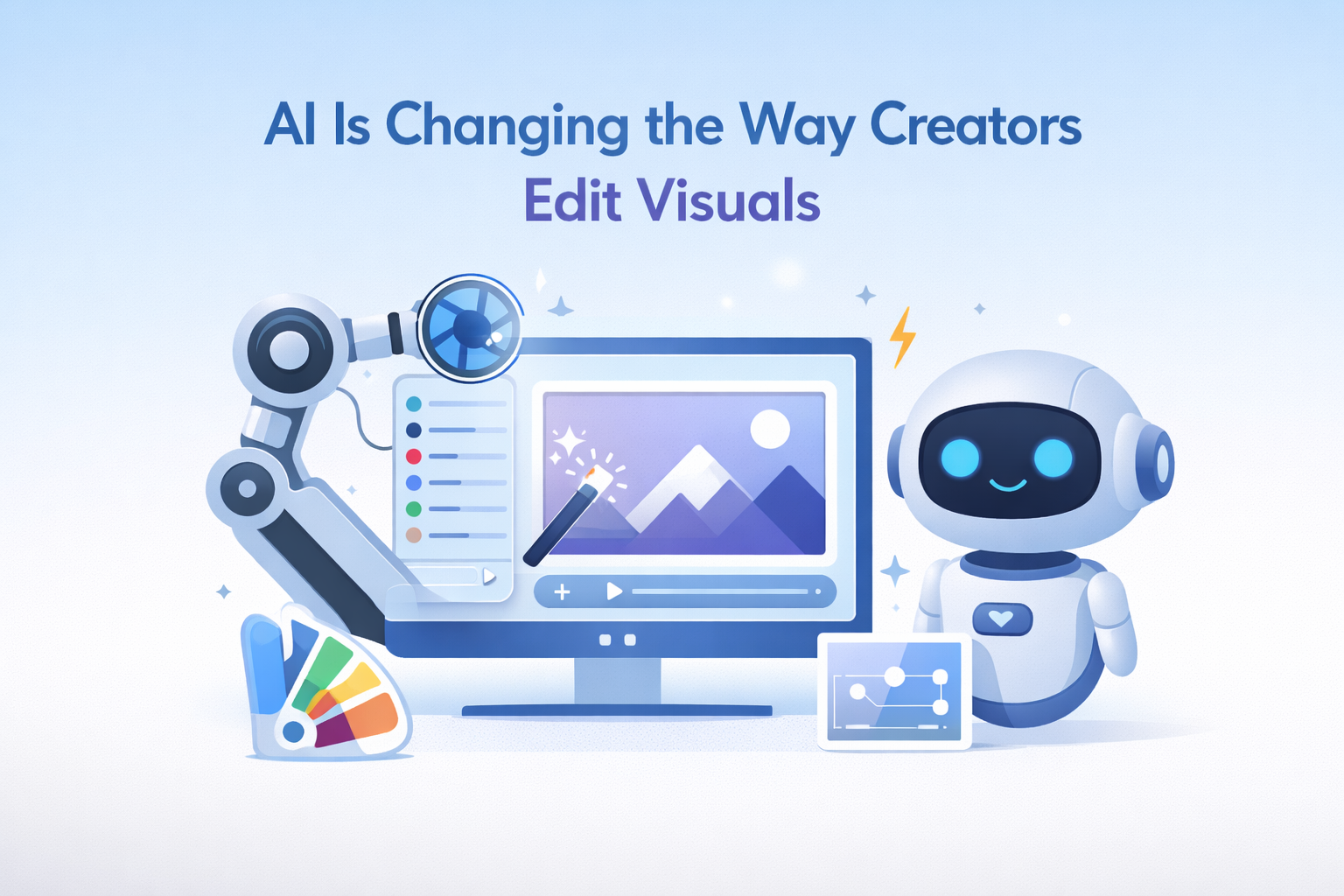
There’s a shift happening in the way visual content gets made. Not long ago, editing an image meant opening Photoshop, working through layers, and spending 20 minutes on a task that still might not look right. Today, a growing number of creators, marketers, and designers are skipping that entirely, uploading a photo, writing a short prompt, and watching AI generate a polished new version in seconds.
This is what image to image AI does. And while the technology has been around in research circles for a few years, it’s now accessible enough that everyday creators are weaving it into their workflows. This article breaks down exactly how it works, why it’s different from other AI image tools, and how content teams are putting it to use right now.
What Is Image to Image AI, and How Is It Different from Text to Image?
Most people are familiar with text-to-image generators: type a description, and the AI creates a picture from scratch. Image to image works differently. Instead of starting from nothing, you provide an existing photo as the foundation, then guide the AI with a text prompt describing the changes you want.
The AI reads the composition, shapes, colors, and structure of your original image, then regenerates a new version that applies your instructions while preserving the underlying content. The result isn’t a filter, it’s a genuinely transformed image that still carries the core visual identity of the original.
The key distinction:
- Text to image: Generates an image purely from a written description. You have full creative control, but also full responsibility for getting the prompt right.
- Image to image: Uses your existing photo as the anchor. You guide the transformation, the AI handles the execution while preserving what already works.
For creators who already have visual assets they want to evolve, rather than replace, this is a fundamentally more practical tool.
What Can You Actually Do With an Image to Image Generator?
The range of applications is wider than most people expect. Here are the most common, and most valuable, use cases:
Style Transfer
Take a standard product photo and reimagine it in a cinematic style, a vintage aesthetic, or a flat-design illustration. The structure of the original image stays intact, the objects, their positions, the basic framing, but the entire visual language shifts. This is particularly useful when a brand wants to maintain consistency across a content calendar that spans multiple visual styles.
Background Replacement and Environment Swaps
A product shot taken against a cluttered background can be regenerated with a clean studio backdrop, an outdoor lifestyle setting, or a completely abstract environment, all using the same original image. For e-commerce teams producing dozens of product variants, this alone dramatically reduces the need for reshoots.
Character and Subject Consistency Across Variations
One challenge with AI-generated imagery has always been consistency, making sure a character or product looks the same across multiple images. Image to image solves this by using a reference photo as the visual anchor. The AI preserves identity, likeness, or product features even as it changes the surrounding context or applies a new style.
Virtual Try-Ons and Product Visualization
Fashion and retail brands are using image to image AI to let shoppers visualize products on different body types and in different settings. Instead of photographing every colorway of every product on multiple models, a single base image can be regenerated into dozens of meaningful variations instantly.
Why This Matters for Content Creators and Marketers
The most obvious benefit is speed. Manual editing, finding a designer, briefing them, waiting for revisions, that cycle can take days. An AI image generator from image collapses it into minutes. But speed isn’t the only thing that’s changed.
Lower Cost Per Creative Asset
Photography and retouching are expensive. A single product shoot can run into thousands of dollars when you factor in studio rental, photographer fees, and post-production. With image to image AI, a single high-quality base image becomes the source for multiple campaign assets, backgrounds, and style variants, at a fraction of the cost.
Faster A/B Testing of Ad Creatives
Paid social campaigns live and die by creative performance. Testing ten variations of an ad image used to require ten separate design briefs. Now a marketer can generate color variants, style shifts, and background alternatives from a single source image in the time it used to take to write one creative brief.
Repurposing Existing Visual Assets
Most content teams have archives full of photos, old campaign assets, and brand imagery that no longer fits the current aesthetic, but still has value. A picture generator from photo technology lets you modernize these assets, apply new styles, or adapt them for different platforms without starting from scratch.
How to Use an Image to Image Tool Effectively
Getting strong results from image to image AI isn’t just about uploading a photo and hoping for the best. The prompt is what separates a useful output from a generic one.
Start With a High-Quality Source Image
The AI can only work with what you give it. A well-composed, well-lit source image produces far better results than a blurry or cluttered one. If your source image needs cleaning up first, run it through an AI image enhancer before feeding it into an image to image workflow.
Be Specific in Your Prompt
Vague prompts produce vague results. Instead of “make it look better,” try “cinematic lighting, shallow depth of field, warm tones, clean white background.” The more specific you are about style, mood, lighting, and environment, the more control you have over the output.
Choose the Right Model for the Job
Different AI models are better suited to different tasks. Portrait editing, product photography, illustration-style conversion, and photorealistic rendering all benefit from different underlying architectures. Tools like image to image generator from Invideo give you access to multiple AI models, including Midjourney V7, Nano Banana Pro, and Seedream 4.5, so you can pick the right one based on the type of image and the output you’re after, rather than being locked into a single approach.
Iterate, Don’t Settle
The first output is rarely the final output. Most professional workflows involve two or three rounds of generation, refining the prompt each time based on what worked and what didn’t. Treat it as a conversation with the tool, not a one-shot transaction.
The Bigger Picture: What This Means for Visual Content Creation
Image to image AI isn’t replacing photographers or designers, it’s changing what they spend their time on. The repetitive, time-consuming work of producing variations, swapping backgrounds, and applying consistent styles across dozens of assets is being handed off to AI. The creative judgment, what looks good, what fits the brand, what will resonate with an audience, still belongs to the human.
For content teams, this is a significant productivity shift. It means a two-person creative team can produce the output volume that previously required a full design department. It means campaigns can be tested faster and more cheaply. And it means that visual quality is no longer gated behind budget or specialist access.
That said, the tools are only as good as the direction you give them. The creators getting the most out of image to image AI aren’t the ones who know the most about machine learning, they’re the ones who are clear about what they want and willing to iterate until they get it.
Getting Started With Image to Image AI
If you haven’t experimented with image to image generation yet, the barrier to entry is lower than you might think. Most tools are browser-based, require no software installation, and have free tiers that let you test the workflow before committing.
Start with an image you already have, a product shot, a team photo, a piece of existing campaign artwork. Write a specific prompt for what you want to change. Generate. Refine. Within a few sessions, you’ll have a clear sense of what the technology can and can’t do for your particular use case.
The creators and marketers who are ahead of the curve right now aren’t using AI to replace their visual instincts, they’re using it to move faster, test more ideas, and get more out of the assets they already have. Image to image AI is one of the clearest examples of that in practice.